Security#
Passwords#
By default, the Librem 5 uses the password 123456 for the:
Disk encryption password (used to unlock the data on the phone)
Lock screen PIN
User password
Lock screen/Admin#
See Changing the Settings for full steps to update the lock screen/user password. Quick setup under: Settings → Users → Password
GNOME Keyring#
The last password you’ll need to set up is for Gnome Keyring.
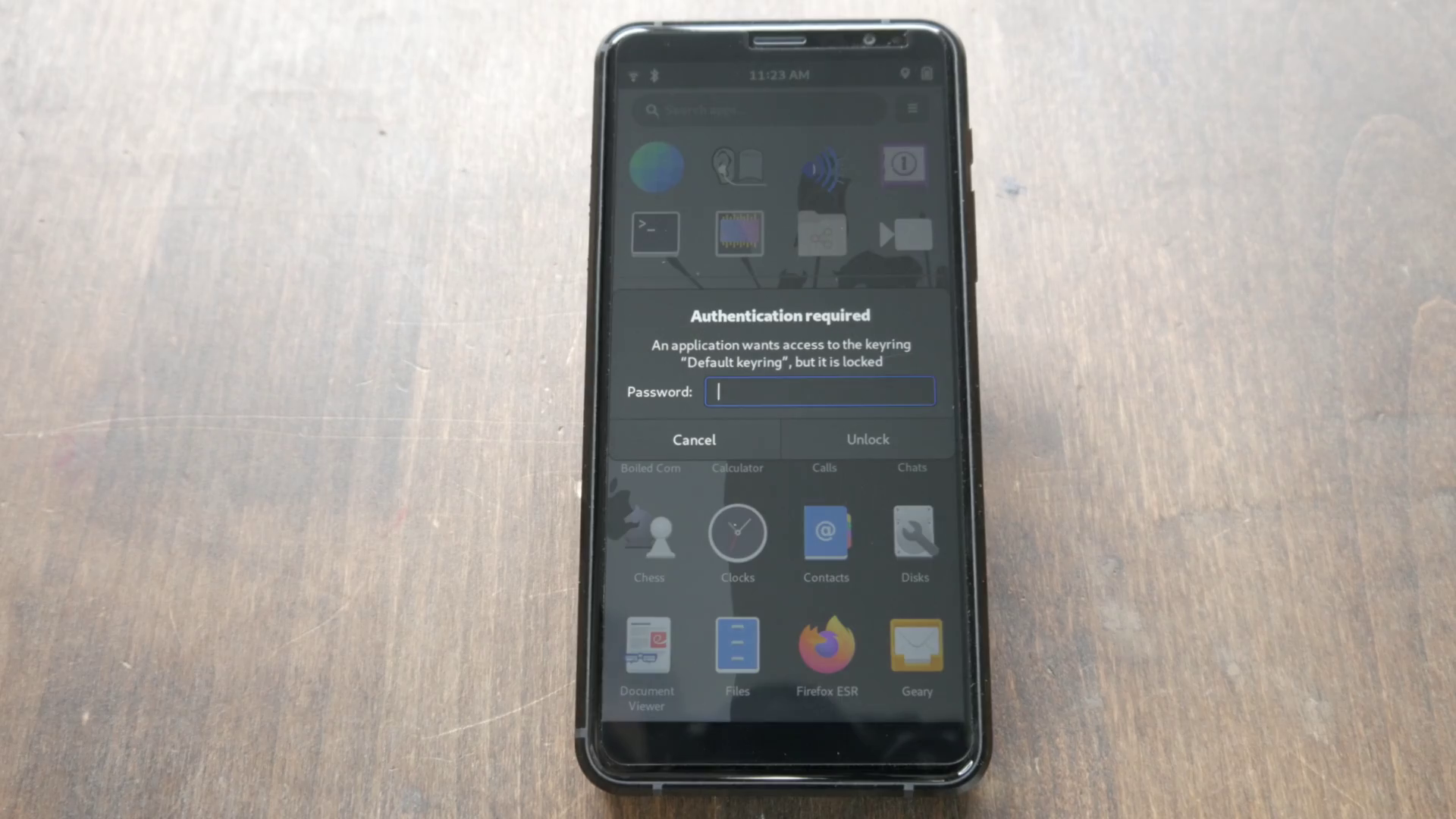
This is where user account data is stored. All credentials are encrypted at rest. When attaching to a service like Nextcloud, you will automatically be prompted to create the new keyring. Similar to your main encryption password, it is good practice to record these in a secure password manager. If you do not already use a password manager, passwordsafe is simple to use and in our software store.
Meltdown/Spectre vulnerability#
The Librem 5 and Liberty phones are not vulnerable to Meltdown or Spectre as they are based on an i.MX 8M chipset.